See how SparkLayer fits your setup and what it would take to launch your new B2B store, fast.
900% B2B growth and 175% less admin. SparkLayer allowed us to grow our business to offer everything we wanted
Mike Bires
Founder and CEO, Nutrition Faktory

24-hour set-up and 140% time savings. We thought we’d be able to go live in a week, but it was all done in a day.
Will Green
Director of Sales, Paleo Ridge

10x B2B growth and 400% AOV increase. We’ve transformed how we serve B2B customers and seen 10x growth.
Deanne Gee-Wing
eCommerce Manager, Nature's PathWe'll send you a video tour of SparkLayer to your email.

We'll get back to you within 1 hour to arrange a good time to speak. Alex Weston, Sales Team
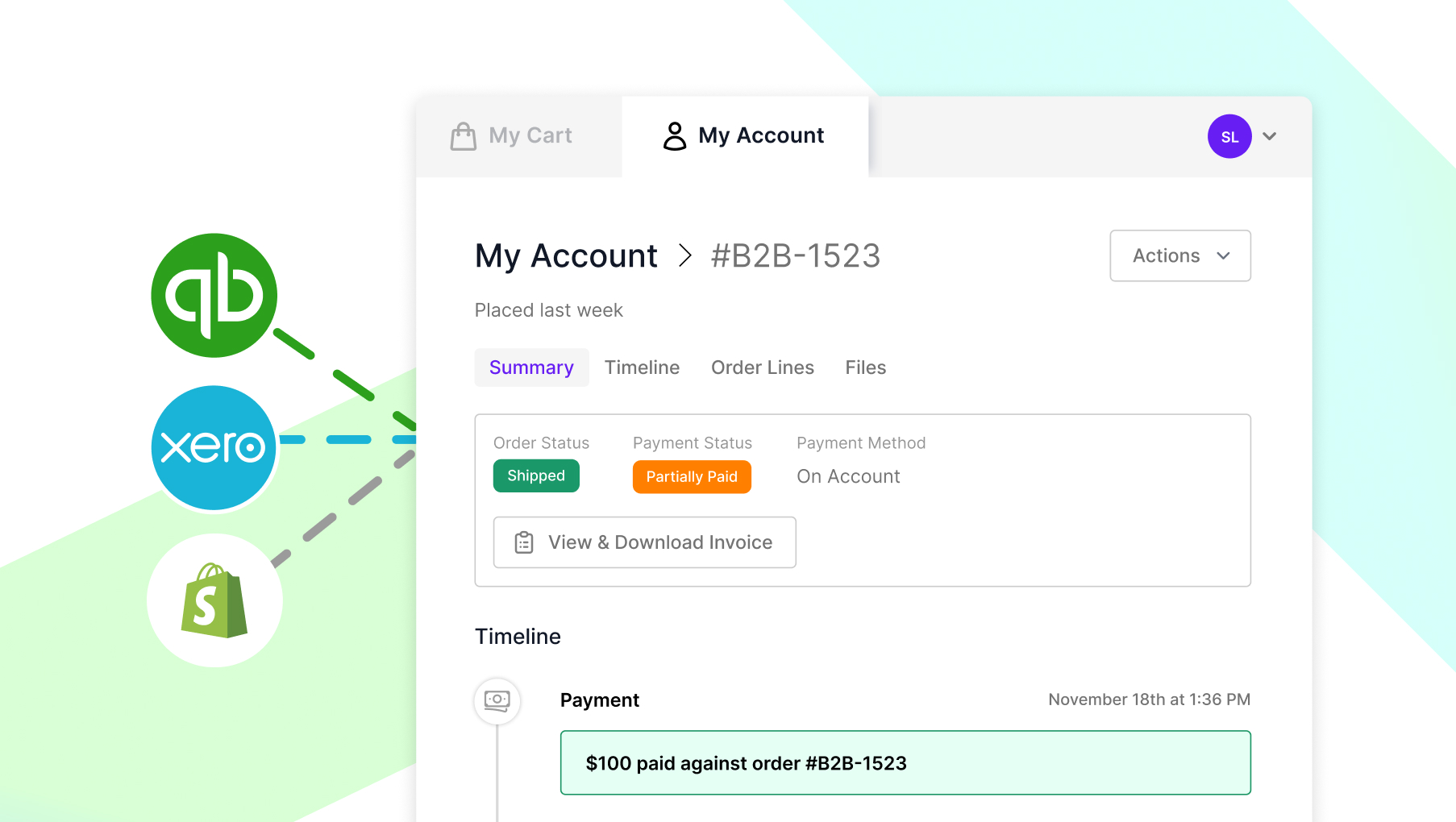
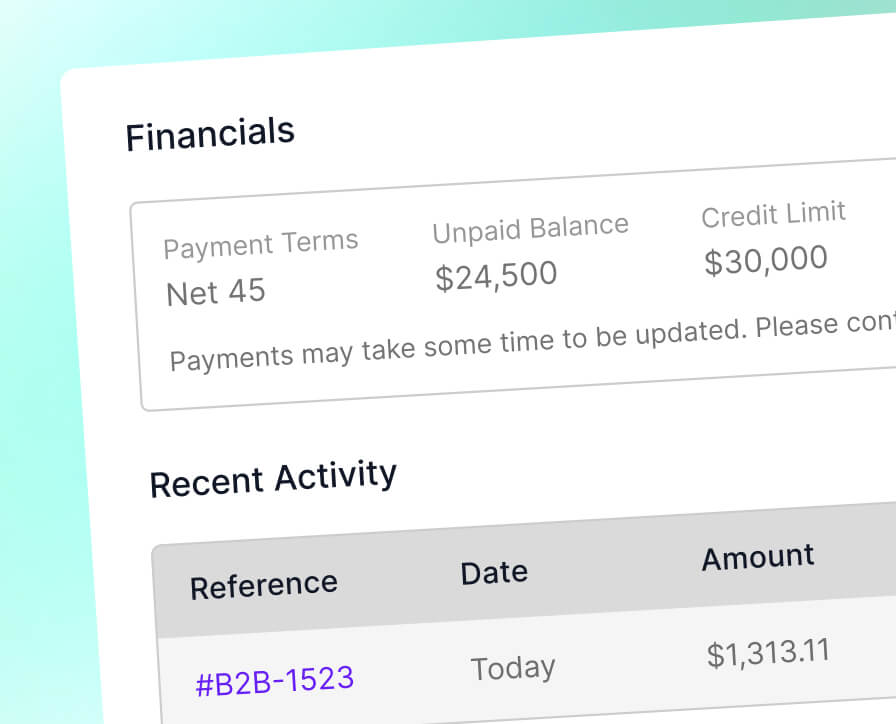
Connect your B2B orders with invoicing and payment data from Xero, QuickBooks, and Shopify. Automatically create invoices, sync payment status, and give customers real-time visibility of what’s paid and what’s owed - directly inside SparkLayer.
Join 3,000+ brands, distributors, and manufacturers trusting SparkLayer to grow their B2B operation.
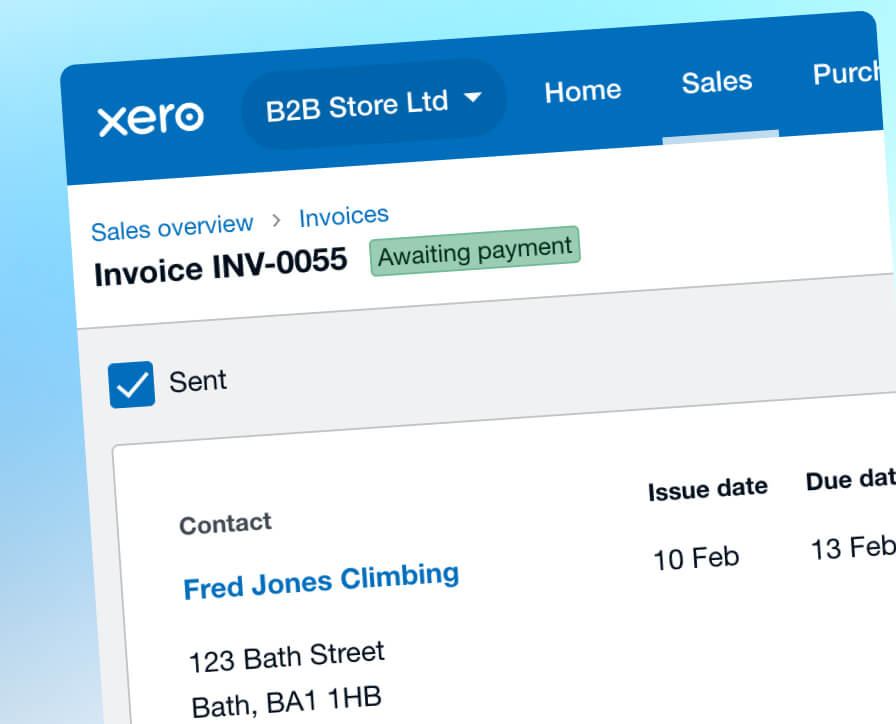
SparkLayer connects directly to Xero, QuickBooks and Shopify, syncing the accounting data that matters most to your business.
When a B2B order reaches Processing or Shipped, SparkLayer creates an invoice in your accounting platform with:
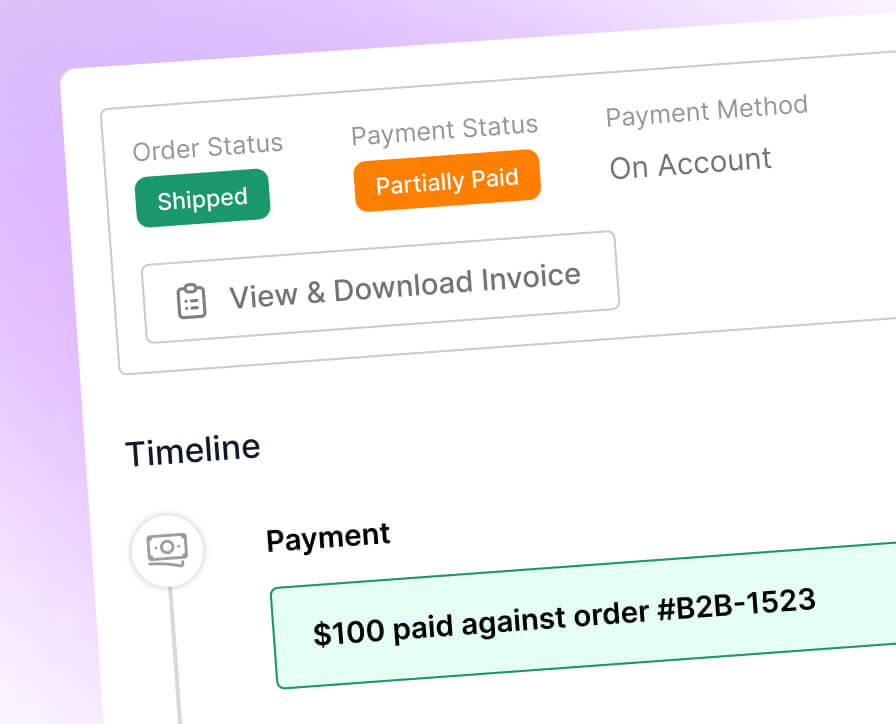
When an invoice is paid — fully or partially — SparkLayer updates:
Your team always sees accurate payment information without switching systems.
View all features
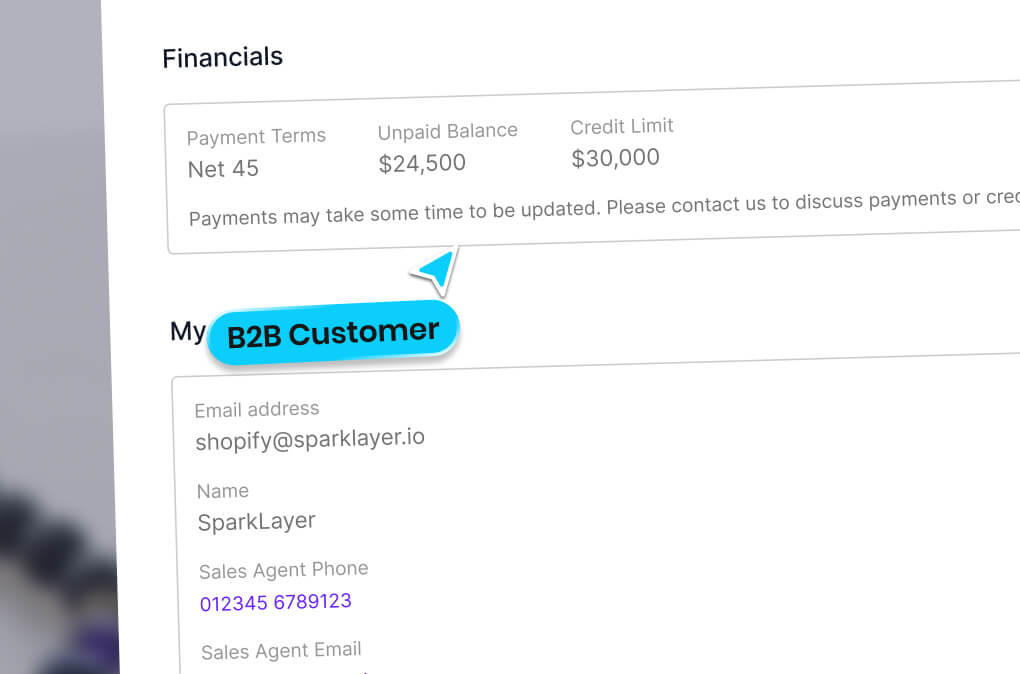
Invoices and balances appear directly in the customer account area:
Give wholesale buyers clarity while reducing payment-related support queries.
View all featuresSparkLayer keeps wholesale orders, invoices, and balances aligned so your finance team, sales team, and customers always work from the same source of truth.
Create invoices instantly when B2B orders are placed. Customer records, taxes, shipping, and line items flow into Xero, QuickBooks, or Shopify automatically.
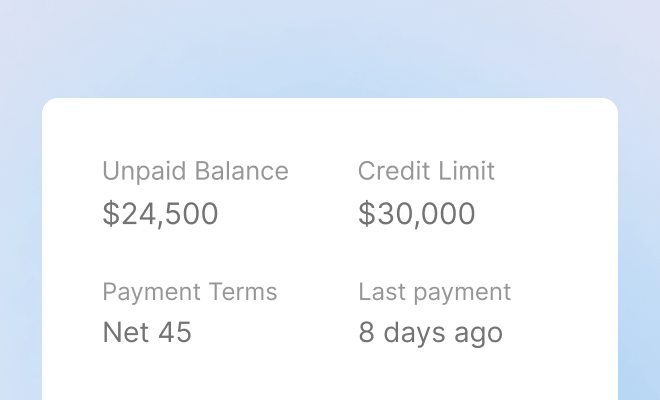
Outstanding balances and payment statuses stay updated across SparkLayer and your accounting platform - ideal for Payment on Account or invoice-based ordering.
Exclude upfront-paid orders (such as card payments) from syncing, ensuring only relevant invoices appear in your accounting system.
Bring your wholesale operations and accounting visibility together:
SparkLayer keeps your B2B storefront and accounting platform perfectly aligned, so your team can focus on customers — not reconciliation.
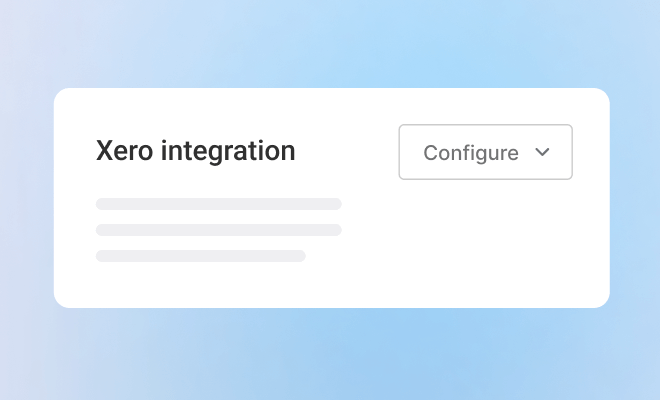
SparkLayer offers native integrations with Xero, QuickBooks Online, and Shopify. These integrations automatically connect your wholesale orders with invoicing and payment data, helping your team keep orders, invoices, and balances aligned in one workflow.
When a B2B order reaches the configured order status, SparkLayer automatically creates an invoice in Xero or QuickBooks Online with customer details, products, taxes, shipping, and totals included — removing the need for manual finance admin.
Yes. When invoices are paid or partially paid in Xero, QuickBooks Online, or through Shopify payments, SparkLayer updates payment status, outstanding balances, and payment history directly within the order and customer account area.
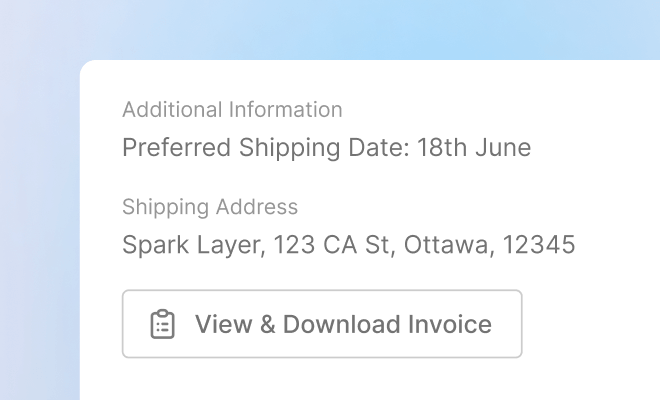
Customers can view and download invoices, see payment history, and check outstanding balances directly inside their SparkLayer account. This improves transparency and reduces back-and-forth between customers, sales teams, and finance teams.
No. SparkLayer’s accounting integrations are built natively into the platform, meaning you don’t need external automation tools or custom integrations to keep orders and invoices in sync.
SparkLayer sends order and invoice data to your accounting platform and syncs payment information back into SparkLayer. Changes made directly inside Xero or QuickBooks Online do not update order data within SparkLayer.
Yes. You can choose when invoices are created and which payment methods trigger syncing. For example, many merchants exclude upfront card payments so only invoice-based or credit orders are sent to Xero or QuickBooks Online.
SparkLayer can match invoices to existing contacts and optionally create new contacts automatically if they don’t already exist. This helps maintain accurate accounting records without manual setup.
QuickBooks Online typically requires products to exist with matching SKUs for invoices to sync correctly. Xero has slightly more flexibility, but we recommend reviewing your product setup before enabling the integration.
Native accounting integrations are available on SparkLayer Pro and Enterprise plans. Upgrading gives you automated invoicing, payment visibility, and a more streamlined B2B finance workflow.